Every LinkedIn optimization guide tells you the same five things: update your headline, get a professional photo, add keywords, write a strong summary, list your skills. You've heard it. You've probably done some of it. And your profile still isn't generating the recruiter messages or opportunities you expected.
The problem isn't that the advice is wrong. The problem is that it's written for everyone, which means it's optimized for no one. What works for a recent graduate building their first profile is actively wrong for someone with 15 years of leadership experience. And what worked on LinkedIn in 2023 is increasingly irrelevant now that the platform runs on an entirely different algorithm.
Want to see how your profile actually scores? The LinkedIn Profile Optimizer scores your profile across five strategic dimensions — positioning, narrative, impact, keywords, and thought leadership — in under 60 seconds. Free, no account required.
What follows is what actually matters in 2026, based on how recruiters search, how LinkedIn's AI now evaluates profiles, and what I've learned from years of reviewing candidates as a hiring manager at Disney, Salesforce, and Royal Caribbean.
LinkedIn Replaced Its Entire Algorithm. Your Profile Needs to Catch Up.
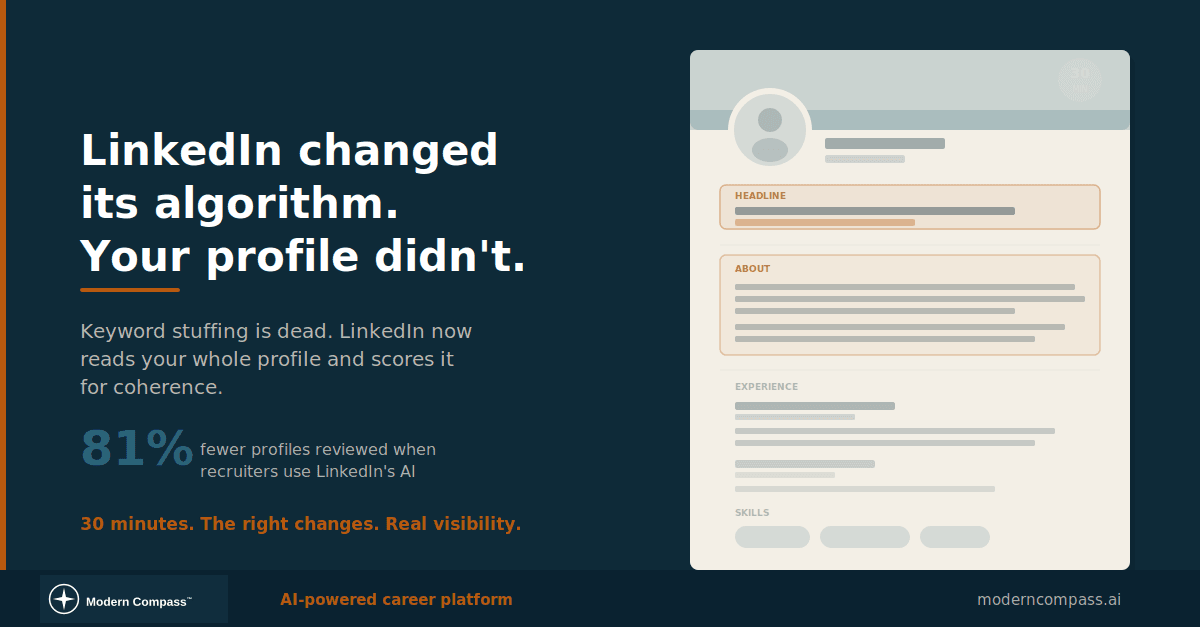
If you optimized your profile more than a year ago, you're operating on outdated assumptions. LinkedIn rolled out an AI system called 360Brew that replaced its previous content and profile ranking infrastructure. The shift that matters most for your profile: LinkedIn moved from keyword matching to semantic entity mapping.
In practical terms, this means stuffing your headline with "Python | AWS | Kubernetes | Machine Learning" is less effective than it used to be. LinkedIn's Knowledge Graph now maps relationships between skills, titles, industries, and experience levels. It verifies expertise based on the coherence of your entire profile, not just whether a keyword appears in the right field.
LinkedIn also launched an AI-powered Hiring Assistant that runs automated searches across the platform to surface candidates for recruiters. Early data suggests recruiters using it review 81% fewer profiles to find qualified matches. That means your profile needs to pass an AI filter before a human ever sees it. The profiles that pass aren't the ones with the most keywords. They're the ones that tell a coherent, specific story about what you do and the impact you've had.
Then land the interview: a tailored resume + matching cover letter for $5.99$12(launch pricing).
This is a fundamental shift for mid-career professionals. For years, the optimization playbook was: find the right keywords, drop them in your headline and skills, and wait for recruiter searches to find you. That approach treated LinkedIn like a database. The 2026 reality is that LinkedIn treats your profile more like a candidate brief. It reads the whole thing, assesses consistency, and assigns a relevance score. If your profile reads like it was assembled by five different people across five different career stages, the algorithm notices. And it penalizes you in ways that no amount of keyword optimization can fix.
Your Headline Is Your Search Listing, Not Your Business Card
Your headline carries the most weight in LinkedIn's search algorithm. It's the first field Boolean and AI search scans, and it's the only text that appears in every search result snippet. Most mid-career professionals waste it.
The generic formula floating around the internet ("Job Title | Passion Statement | Buzzword Salad") produces headlines like: "Innovative Leader | Driving Digital Transformation | Passionate About People & Results." That tells a recruiter exactly nothing about what you actually do. It reads like a headline written by someone who thinks sounding impressive is the same as being specific.
My contrarian take: use fewer acronyms and less jargon. Tell people what you actually did. If you led a team that cut customer churn by 30% through a product redesign, say that. If you managed a $12M migration to cloud infrastructure, say that. Specificity is what makes recruiters stop scrolling.
A better framework for senior professionals:
Your headline should answer two questions in under 120 characters: What is your functional expertise? And what kind of results do you produce?
"Product Leader | Scaled B2B SaaS from $2M to $18M ARR" tells a recruiter exactly what to expect. "Strategic Product Visionary | Innovation Catalyst" tells them you own a thesaurus.
The About Section: Where Most Senior Professionals Get Weird
Something happens to experienced professionals when they open the About section editor. They either write in robotic third person ("Brandon is a seasoned executive with a demonstrated history of...") or they swing to the other extreme and write a motivational monologue about their "journey."
Neither works. Your About section should read like the first 90 seconds of a conversation with a sharp colleague who asked you what you're working on.
What that looks like structurally: Start with the problem you solve or the work that gets you out of bed. Not a philosophical statement. A functional one. "I build products that help mid-career professionals figure out what's next" or "I lead infrastructure teams through the messy middle of cloud migrations."
Then give two to three sentences of proof. Specific accomplishments with numbers. Not a comprehensive career history. Just enough to establish that you know what you're talking about.
Close with what you're looking for, or what kinds of conversations you want to have. This is the part most senior people leave out because they think it makes them look desperate. It doesn't. It makes them look intentional. A hiring manager scanning profiles is trying to figure out if you're open and what you want. Make it easy.
One thing I noticed consistently when reviewing candidates: the profiles that stood out were the ones that felt like a real person wrote them. When I was hiring product managers, I'd see resumes from "program managers" all the time. But when I looked at their LinkedIn profiles, it was clear they really wanted to be product managers. The profile told the truth that the resume was trying to hide. That disconnect is a red flag for any hiring manager. Be direct about what you want and what you're good at. Authenticity isn't a soft skill here. It's a strategic advantage.
Your Experience Section Isn't a Resume Copy-Paste
The number one mistake mid-career professionals make with their Experience section: copying their resume bullets verbatim into LinkedIn. Your resume is a targeted document customized for each application. Your LinkedIn profile is a persistent, public-facing asset that needs to work across every possible opportunity.
That means your LinkedIn experience section should emphasize patterns and scale over individual tasks. If you need help figuring out which accomplishments to highlight, a resume audit can show you which of your bullets are landing and which are filler. Instead of listing every project, highlight the throughlines: "Over 5 years leading product teams at Salesforce, I built and shipped 3 enterprise products, grew my team from 4 to 22, and established the product ops function from scratch."
The part that matters most for recruiter visibility in 2026: LinkedIn's algorithm now evaluates whether your role descriptions, skills, and activity tell a coherent story. If your experience says "marketing manager" but your skills say "financial modeling" and your posts are about supply chain logistics, the algorithm flags that inconsistency. Recruiters using LinkedIn's AI tools see a relevance score for each candidate. Coherence raises that score.
The 15-year problem: When you have 15+ years of experience, you face a unique challenge. Your early career roles may be irrelevant to where you're heading now. You don't need to delete them, but you should thin them out. Your first job out of college doesn't need five bullet points. A title, company, and one sentence about what you learned is enough. Weight your profile toward the last 7 to 10 years.
Skills, Endorsements, and the Stuff That Looks Minor But Isn't
LinkedIn now allows up to 100 skills on your profile. This section is directly searchable in LinkedIn Recruiter, which means it's not decorative. It's infrastructure.
But here's where experienced professionals go wrong: they add skills randomly, without thinking about which searches they want to appear in. Your skills section should be reverse-engineered from the roles you're targeting. Look at 10 postings for positions you'd want. Pull out every skill mentioned more than twice. Those are your priority skills.
Pin your top three. These should be the skills you'd lead with if someone asked "what are you best at?" at a dinner party. Not the most impressive-sounding ones. The most accurate ones. Verified skills now boost your chances of being found by 30%, so get endorsements from colleagues who actually know your work.
Recommendations matter more than most people think. Not because recruiters read every one, but because profiles with recommendations rank higher in search results. Two or three substantive recommendations from people who can speak to specific projects carry more weight than fifteen generic "great to work with" endorsements.
A tactical move that very few people use: write the recommendation for them. Not in a manipulative way. Most colleagues want to recommend you but stall because they don't know what to write. Send them a three-sentence draft that highlights a specific project you worked on together, and tell them to edit it however they want. You'll get a recommendation within 48 hours instead of never.
The 30-Minute Optimization That Actually Works
The realistic version of a 30-minute LinkedIn overhaul for someone with real experience:
Minutes 1 to 10: Rewrite your headline. Drop the jargon. Drop the acronyms. State your function and your best result in plain language. This single change affects every search result you appear in.
Minutes 10 to 20: Rewrite your About section. First person. What you do, proof it works, and what you're looking for next. Three paragraphs maximum. Read it out loud. If it sounds like a press release, start over.
Minutes 20 to 25: Audit your skills. Remove skills that don't align with where you're headed. Add skills from current job postings in your target area. Pin the three most relevant ones.
Minutes 25 to 30: Check for coherence. Read your headline, About section, and two most recent roles in sequence. Do they tell the same story? Or does your headline say one thing while your experience says another? Misalignment is the single biggest reason recruiters skip senior profiles. Fix the contradictions.
Skip the photo and banner update for now. Yes, they matter. But if you only have 30 minutes, a better headline and About section will move the needle more than a new headshot. Come back for the photo when you have time to do it right.
If you want to see exactly how your profile performs across these dimensions, try the LinkedIn Profile Optimizer. It takes under 60 seconds and scores your headline, career narrative, impact density, keyword alignment, and thought leadership signals. If you're wondering whether your overall career narrative hangs together, the Career Audit takes about 10 minutes and gives you a structured view of where your positioning is strong and where it's sending mixed signals. Both are free and worth doing before you overhaul your profile.
Land Your Next Role
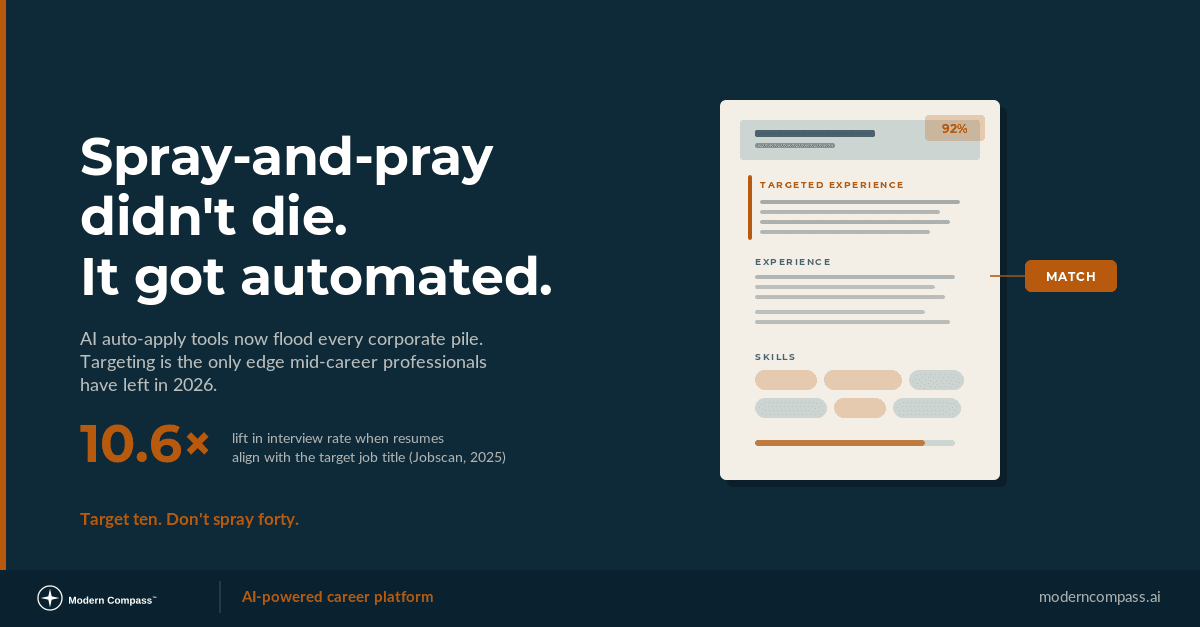
Why Spray-and-Pray Doesn't Work: The Targeted Job Search Method
Spray-and-pray didn't stop working, it got automated. The research-backed targeted job search method mid-career professionals need for the auto-apply era.